Getting Started
Welcome to Awentail! Awentail runs two kinds of AI assistants:
- Chatbot - embedded on your website
- Voicebot - answers a real phone number
You can run either, both separately, or both as a bundle plan where they share the same knowledge base.
The free 14-day trial is available only for Chatbot Starter and requires no payment card. The voice assistant and other plans are paid.
Create an account
- Go to app.awentail.com/login
- Sign up with email or use Google Sign-In for one-click login
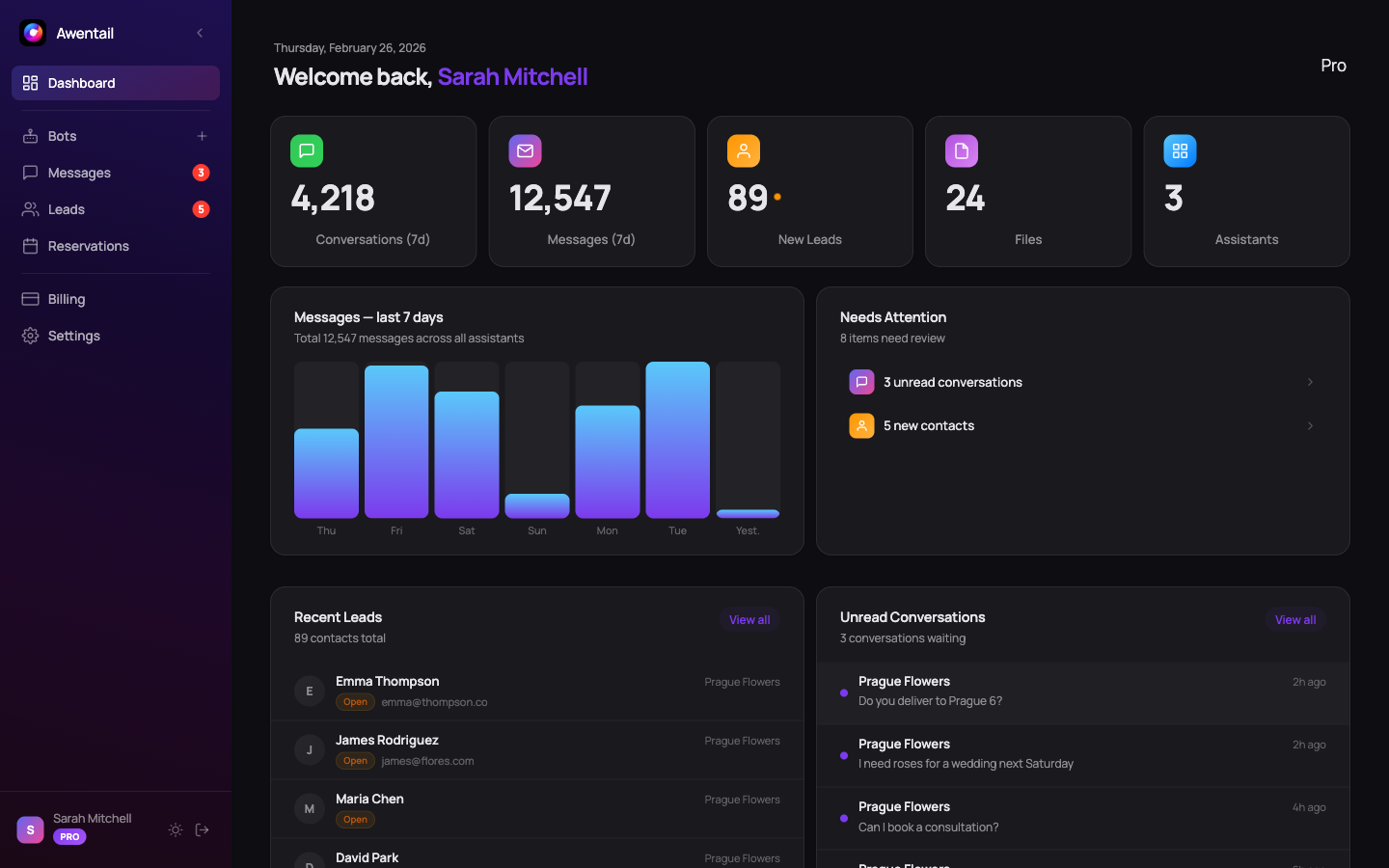
- You’ll land on your Dashboard
Path A - Set up a chatbot
Click New assistant on the Dashboard or Assistants page. The wizard walks you through 3 steps.
Step 1: Name and personality
- Assistant name - what visitors see (e.g. “Support”, “Sales Assistant”)
- System prompt - instructions defining how it responds:
You are a helpful customer support agent for Acme Corp.
Answer questions about our products and pricing.
Be friendly and concise.- Welcome message - first message visitors see
Step 2: Knowledge base
Give the assistant context:
- File upload - PDF, DOCX, TXT, CSV
- Web scraping - enter a URL, Awentail extracts the text
The assistant answers from this content using hybrid RAG search with AI reranking.
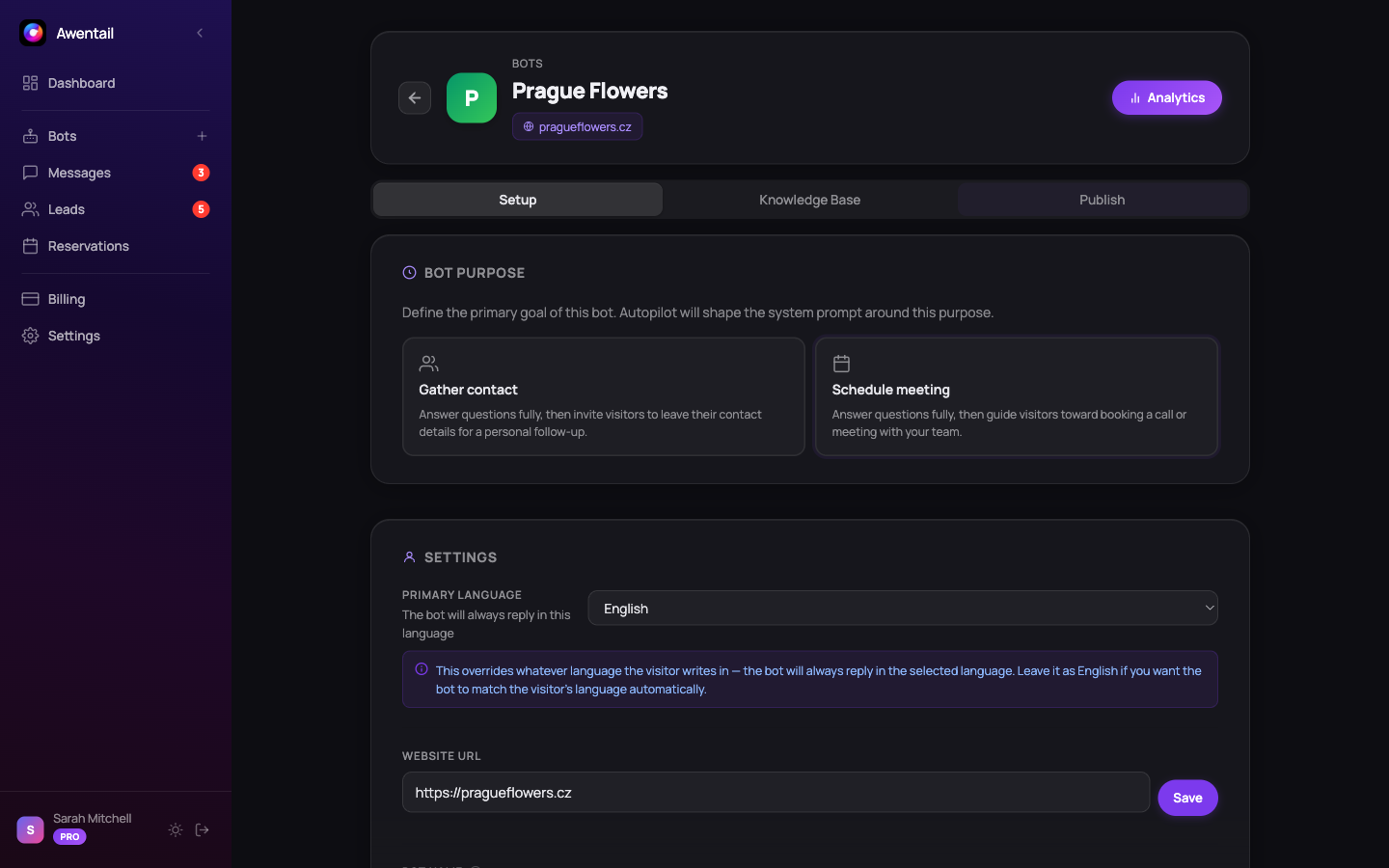
Step 3: Widget settings
Customize how the widget looks:
- Colors - match your brand
- Position - bottom-right or bottom-left
- Auto-open - optionally open after a delay
Embed on your website
After saving, go to the Widget tab and copy the embed code:
<script
  src="https://app.awentail.com/widget.js"
  data-bot-id="your-bot-id"
  data-api-url="https://app.awentail.com"
  defer>
</script>
Paste it before the closing </body> tag. That’s it - your assistant is live. Full options: Widget installation.
Path B - Set up a voicebot
If you want a phone number answered by AI:
- Click Voicebots in the sidebar → New voicebot
- Pick language (Czech / Slovak / English / German) and a voice from the voice library
- Write a system prompt describing your business + how the AI should behave
- Set a greeting (first sentence the AI says when picking up)
- Provision number - Awentail provisions a phone number in your chosen country and routes it to the AI
- (Optional) Link an existing chatbot - the voice assistant then uses that chatbot’s knowledge base
To create and activate the voice assistant you need a paid voice or bundle plan. Full guide: Voice assistant.
Path C - Both (Bundle plan)
If you subscribe to a Bundle plan, follow Path A first, then Path B and link the chatbot when creating the voicebot. Documents you upload to the chatbot are automatically used by the voicebot too.
What’s next
- Knowledge base - uploading docs and scraping websites
- Widget installation - embed and customize
- Voice AI - phone provisioning and call tools
- Appointment booking - let the AI book on the call
- Contact capture - turn conversations into leads
- Analytics - see what visitors and callers are asking