Widget Installation
The Awentail chat widget is a lightweight, embeddable component. One script tag — no dependencies, no build tools.
Basic installation
Copy this script tag and paste it before the closing </body> tag on your website:
<script
  src="https://app.awentail.com/widget.js"
  data-bot-id="your-bot-id"
  data-api-url="https://app.awentail.com"
  defer>
</script>
Replace your-bot-id with your assistant ID (found in your assistant settings → Widget tab).
Branding configuration
Most visual customization lives in your account, not in the script tag — the widget fetches your configuration on load and caches it in the browser for instant subsequent visits.
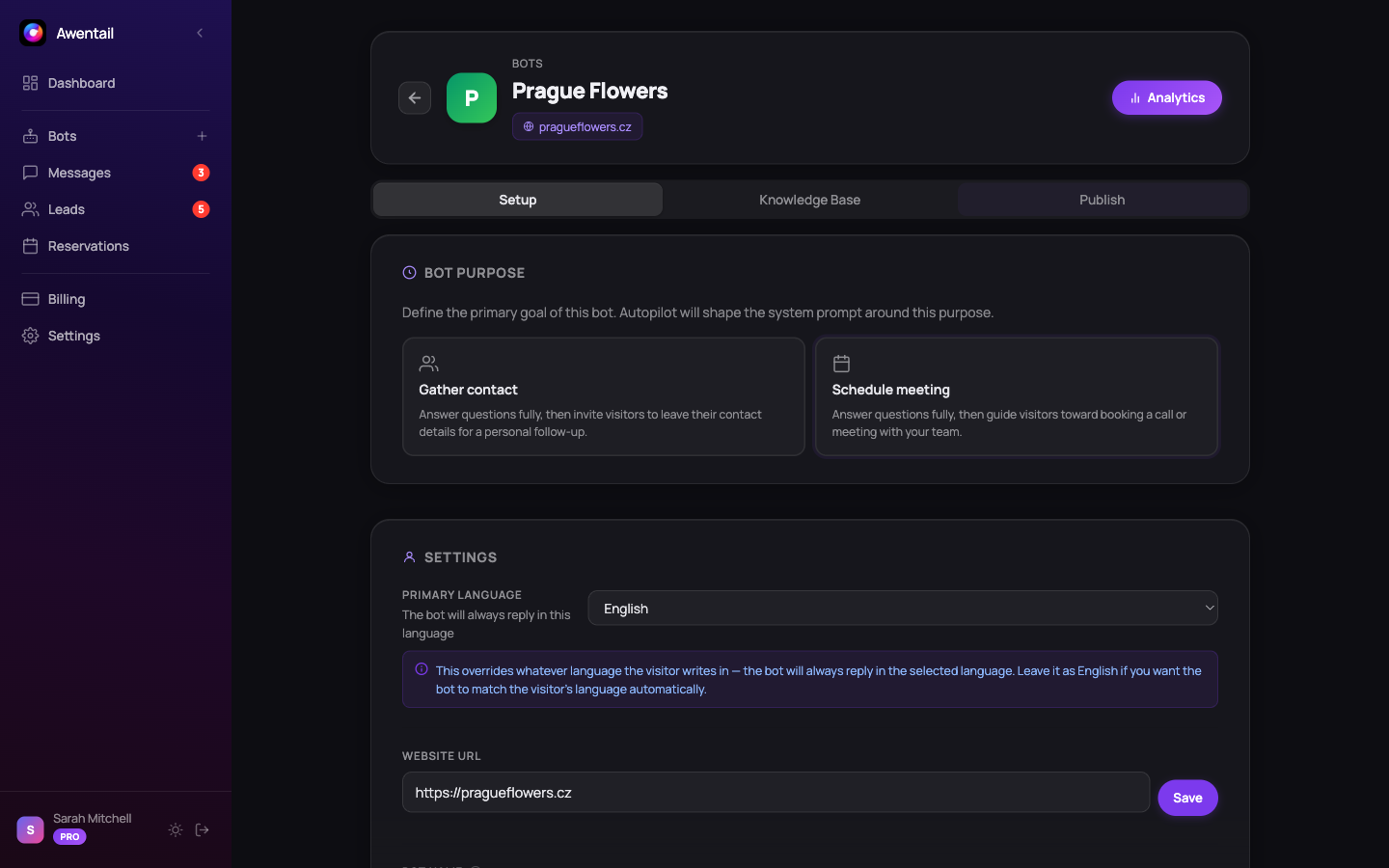
Configure these in Bot detail → Widget:
- Primary color — header and user-message background
- Position — bottom-right or bottom-left
- Header title — text shown at the top of the open panel
- Auto-open delay — open automatically after N seconds (0 = disabled)
- Welcome message — first message visitors see
- Avatar — optional image
- Suggested questions — clickable starter prompts
- Theme — light, dark, or auto (matches visitor’s system)
Changes apply immediately to every site running the widget — no re-deploy needed.
Optional script attributes
| Attribute | Default | Description |
|---|---|---|
data-bot-id | (required) | Your assistant ID |
data-api-url | (required) | API base URL — use https://app.awentail.com |
data-theme | (from settings) | Override theme: light, dark, or auto |
data-bubble-label | (none) | Pill-style label on the bubble (e.g. Assistant) |
data-proactive-message | (none) | Open the widget after a delay with this preview message |
data-proactive-delay | 10 | Seconds before the proactive message appears |
Example with proactive message
<script
  src="https://app.awentail.com/widget.js"
  data-bot-id="abc123"
  data-api-url="https://app.awentail.com"
  data-theme="auto"
  data-bubble-label="Ask us anything"
  data-proactive-message="👋 Need help finding something?"
  data-proactive-delay="15"
  defer>
</script>
Session persistence
The widget persists conversations in localStorage per assistant ID. If a visitor leaves and comes back, their chat history is preserved. Different assistants on the same site maintain separate conversations.
Styling isolation
The widget renders in an isolated container with scoped CSS, so it won’t conflict with your site’s styles. Brand color is applied programmatically — no !important overrides needed.
Multiple assistants
Embed multiple assistants on a single page with multiple script tags:
<script src="https://app.awentail.com/widget.js" data-bot-id="sales-bot" data-api-url="https://app.awentail.com" defer></script>
<script src="https://app.awentail.com/widget.js" data-bot-id="support-bot" data-api-url="https://app.awentail.com" defer></script>
Each renders its own bubble (one on the left, one on the right if positioned differently).
Performance
- The widget script loads asynchronously with
defer— it does not block page rendering - ~15 KB gzipped, no external runtime dependencies
- Configuration is cached locally, so the widget appears instantly on repeat visits
- A double-load guard prevents duplicate bubbles if the snippet is pasted twice (SPA route changes, etc.)
Troubleshooting
Widget doesn’t appear. Open DevTools → Console. The widget logs an error if data-bot-id or data-api-url is missing or invalid. Check that the bot exists in your account and the API URL is exactly https://app.awentail.com.
Wrong branding. Check Bot detail → Widget in your account — those settings are the source of truth. Clear the visitor’s localStorage if they’re seeing old cached config (only matters for the visitor’s own browser).
Two bubbles showing. Your snippet is being loaded twice. The guard prevents duplicates, but on SPA route changes the widget may have already initialized — make sure the snippet runs only once per page load.